Understanding the StairLiftPro 120 Error Code System
When the StairLiftPro 120 encounters a fault, its onboard diagnostic system displays a numeric error code on the control panel or via flashing LED patterns. These codes are designed to help users and technicians quickly identify the root cause of a malfunction. Ignoring error codes can lead to reduced performance, unexpected shutdowns, or even safety risks. This guide covers the most common error codes, their meanings, and proven troubleshooting steps to get your stair lift back in service.
What Does Error Code 01 Mean on the StairLiftPro 120?
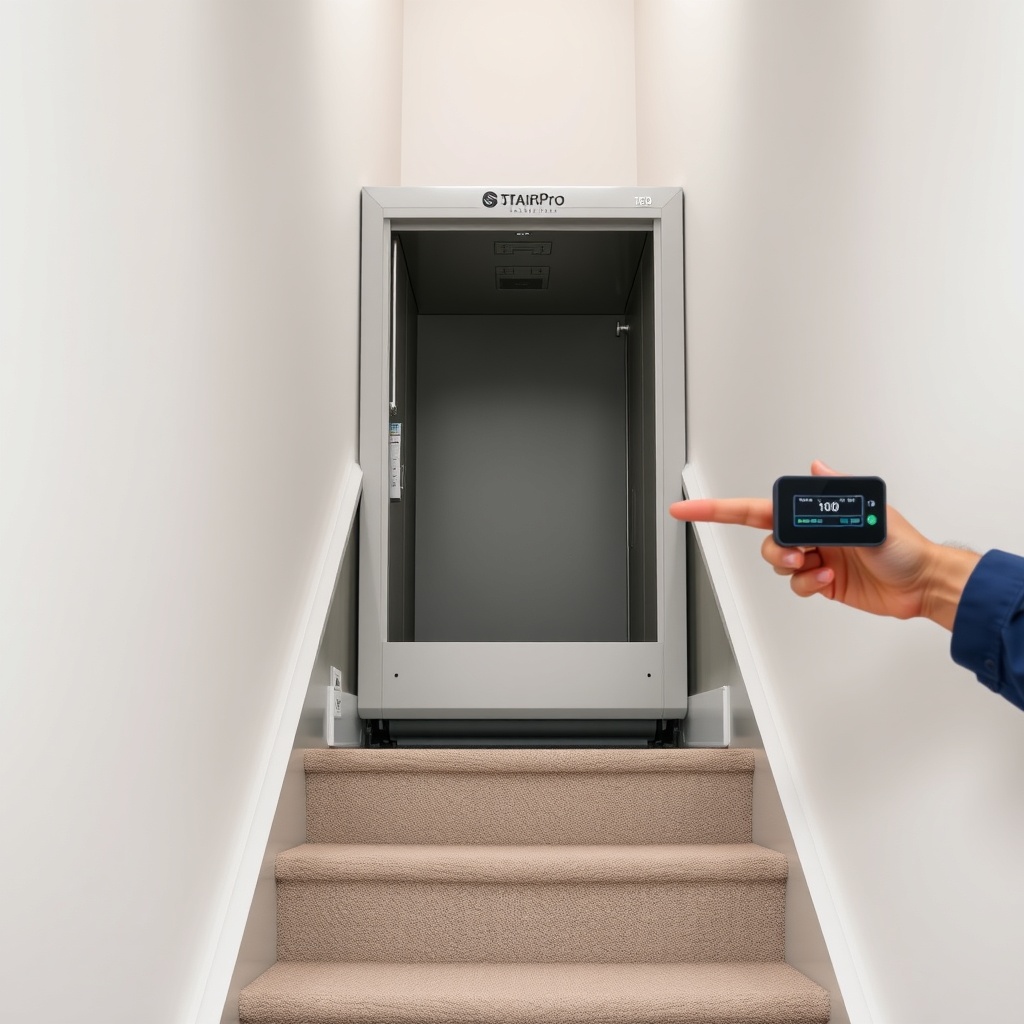
Error Code 01 indicates a motor overcurrent condition. This usually occurs when the motor draws excessive current due to mechanical binding, obstruction in the track, or a failing motor controller. If the chair stops mid-journey and you see Code 01, the first step is to inspect the track for any physical obstructions such as carpet fibers, pet toys, or accumulated debris. Also, check that the seat and footrest are not snagging on stair treads or walls.
Perform a manual reset by turning the main power switch off, waiting 30 seconds, then turning it back on. If the code reappears, the issue may be a damaged motor brush or a seized gearbox. StairLiftPro 120 Installation: DIY vs Professional Setup Guide explains how proper alignment of the track can prevent binding that leads to overcurrent errors. For persistent Code 01, contact a certified technician—attempting to force the chair could damage the drive system.
How to Resolve Error Code 07: Battery Low Voltage?
Error Code 07 signals that the backup battery voltage has dropped below the safe operating threshold. On the StairLiftPro 120, this often happens after extended periods without use, or if the charger has been unplugged. The battery system is designed to maintain charge for emergency operation, but deep discharge can trigger this code.
First, verify that the stair lift is plugged into a working AC outlet. The charging indicator light should be illuminated. Allow the unit to charge for at least 12 hours without interruption. If the code clears, the battery was simply depleted. If Code 07 persists, the battery may need replacement. StairLiftPro 120 Battery Power Systems: Charge Time and Backup Performance provides detailed charging times and battery specs. In cold climates, battery capacity drops significantly; consider installing a thermal wrap around the battery compartment. Never operate the lift with a dead battery—it compromises safety during power outages.
Why Does Error Code 14 Appear on the StairLiftPro 120?
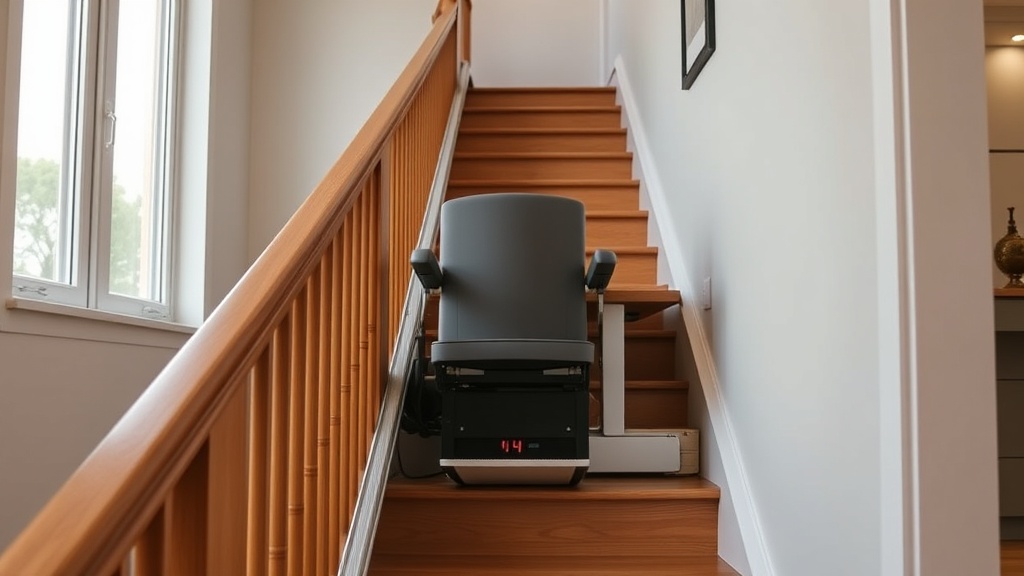
Error Code 14 relates to the obstruction sensor system. This code appears when the safety sensors detect an obstacle within the chair’s path and the lift refuses to move. Common triggers include loose clothing, carry-on items falling onto the track, or a pet blocking the stairs. The StairLiftPro 120 uses dual infrared sensors at the front and rear of the seat base.
Clear the entire track area of any objects. Check that the sensor lenses are clean—use a soft, dry cloth to wipe away dust or smudges. Test the sensors by waving your hand in front of each while the lift is powered on; you should hear a click or see a LED flash. If no response, a sensor may be misaligned or faulty. StairLiftPro 120 Safety Features: Obstruction Sensors and Emergency Stop Systems covers sensor calibration steps. Sometimes the code is triggered by a loose wire connection at the sensor connector—gently reseat the plug. If error Code 14 persists after cleaning and testing, the sensor board may need replacement.
| Error Code | Description | Severity | Immediate Action |
|---|---|---|---|
| 01 | Motor overcurrent | High | Check track for obstructions; manual reset |
| 07 | Battery low voltage | Medium | Charge for 12+ hours; verify AC power |
| 14 | Obstruction sensor fault | High | Clear track; clean sensor lenses |
| 22 | Communication failure | Critical | Power cycle; check wiring harness |
| 33 | Seat position sensor error | Medium | Adjust seat manually; check harness |
Table above shows severity classifications: “Critical” codes require immediate professional service; “High” codes need urgent troubleshooting; “Medium” codes can often be resolved with basic steps.
What to Do When Error Code 22 Appears: Communication Failure?
Error Code 22 indicates a loss of communication between the control board and the motor controller. This is a critical error that often results in a completely unresponsive lift. The StairLiftPro 120 relies on a serial data link between these two modules. Common causes include loose wiring connectors, corrosion on terminals, or electromagnetic interference from nearby devices.
Begin by switching the main power off and checking all visible wire harness connections between the seat base and the main control box. Look for frayed wires or green corrosion on pins. Use a contact cleaner spray on any dirty connectors. Reconnect firmly and power the unit back on. If the code remains, inspect the control board for burnt components or blown capacitors. StairLiftPro 120 Track Options: Straight vs Curved Rails and Custom Fittings discusses how track installation routes the wiring—pinched cables during installation can cause intermittent communication errors. In many cases, replacing the control board or motor controller module is necessary. Do not attempt to bypass this error—the lift could move unexpectedly.
How to Fix Error Code 33: Seat Position Sensor Malfunction?
Error Code 33 occurs when the seat position sensor—responsible for detecting whether the seat is locked in the correct orientation for travel—sends an inconsistent signal. This sensor prevents the chair from moving if the seat is not fully rotated to the forward-facing or backward-facing position. On the StairLiftPro 120, this sensor is a microswitch located under the seat base.
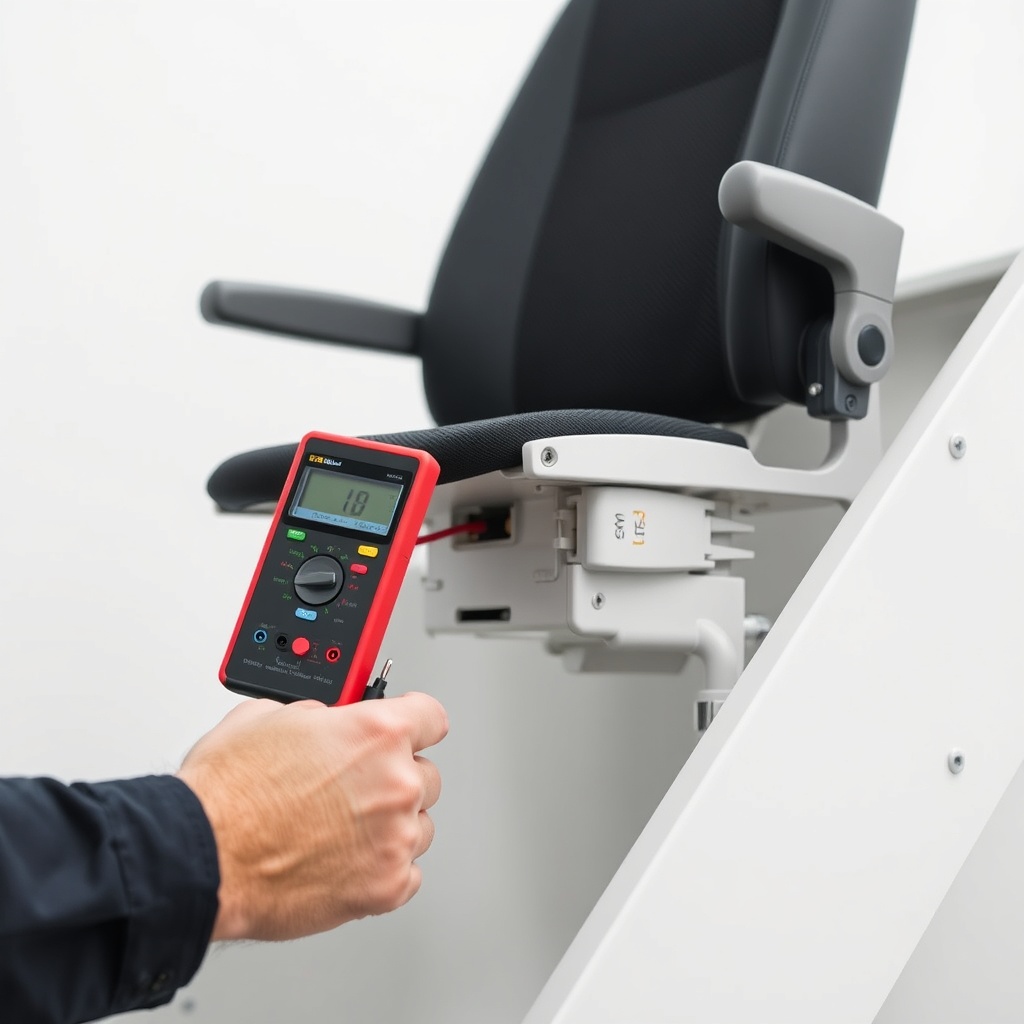
First, manually rotate the seat through its full range of motion to ensure it clicks into both locked positions. Listen for the audible click from the latch mechanism. If the seat feels loose or does not lock, the issue may be mechanical rather than electrical. Check the microswitch arm for dirt or obstruction. Use a multimeter to test continuity across the switch terminals when the seat is in the correct position. StairLiftPro 120 Seat Comfort: Ergonomic Design and Customizable Options explains how seat adjustments can affect sensor alignment. If the switch tests faulty, replacement costs around £45–£60 for the part. After replacement, recalibrate the sensor by following the service manual—this usually involves holding the seat rotation button for 10 seconds until the code clears.
What Owners Say About StairLiftPro 120 Error Codes
Owners of the StairLiftPro 120 frequently note that the error code system is straightforward but can be overwhelming when a code appears for the first time. Many appreciate that common codes like 01 and 14 often resolve with simple cleaning or reset steps. “I got Code 14 when my grandchild left a toy on the stairs—cleared it in two minutes,” one user commented on a stair lift forum. Another owner reported that Code 07 appeared after a power outage that lasted three days; after a full overnight charge, the code disappeared and hasn’t returned.
On the other hand, some owners express frustration with Code 22, which sometimes requires a technician visit costing between £120 and £180. A few have mentioned that the error codes could benefit from more descriptive user manual explanations—the basic code chart is printed in small text. Overall, the consensus is that the StairLiftPro 120 is reliable once the initial troubleshooting is understood. StairLiftPro 120 Price and Warranty: Complete Breakdown notes that the two-year warranty covers part failures related to error codes, but not diagnostic fees.
Frequently Asked Questions About StairLiftPro 120 Error Codes
Q: How do I reset my StairLiftPro 120 after an error code?
A: Locate the main power switch on the unit (usually near the battery compartment or under the seat). Turn it off, wait 30 to 60 seconds, then turn it back on. Some models require pressing the “Reset” button on the control panel. If the code reappears, the issue needs further investigation.
Q: Can I clear error codes by unplugging the battery?
A: Unplugging the battery is not recommended as a first step—it can corrupt system memory. Always use the power switch reset method first. If the code persists, disconnect the battery leads for 5 minutes as a hard reset, but only after consulting the manual.
Q: Why does Error Code 14 keep coming back even after cleaning the sensors?
A: Recurring Code 14 may indicate a loose sensor mounting bracket or a wiring fault that causes intermittent contact. Check that the sensor housings are securely fastened to the seat base. Also, inspect the cable for damage where it bends when the seat rotates.
Q: How much does it cost to fix a StairLiftPro 120 error code?
A: Basic fixes (cleaning, reset, sensor adjustment) cost nothing if done by the owner. Part replacements: obstacle sensor £35–£50, microswitch £45–£60, control board £150–£250. Technician call-out fees range from £75 to £120 per visit, plus any diagnostic charge.
Q: Is the StairLiftPro 120 error code system covered under warranty?
A: Yes, the standard two-year warranty covers manufacturing defects that cause error codes, including faulty sensors, control boards, and motors. However, the warranty does not cover damage from improper installation, power surges, or user-inflicted obstruction. StairLiftPro 120 Installation: DIY vs Professional Setup Guide explains how professional installation reduces warranty pitfalls.
Q: What should I do if the error code display is flashing and not showing a number?
A: A flashing display without a numeric code usually indicates a power supply issue—check that the AC adapter is plugged in and delivering 24V DC. If the display is erratic, the control board may have a loose ground connection. Power down, check all ground terminals (green wire), and restart.