When the Acorn 130 stair lift encounters a problem, it typically communicates the fault through a series of audible beeps and flashing indicator lights. Understanding these Acorn 130 error codes can save you the cost of an unnecessary service call and get the lift running again quickly. This article breaks down the most common fault signals, their meanings, and the practical steps you can take to resolve them.
What Does a Single Flash and Beep Mean on My Acorn 130?
The most frequent error code you will see on an Acorn 130 is a single, repeated flash of the red LED on the seat arm or footrest, accompanied by a single beep. This code typically indicates a seat obstruction or a safety sensor activation. The Acorn 130 is designed to stop immediately if the swivel seat does not fully latch into its locked position at the top or bottom of the stairway.
First, check that the seat is fully rotated to face the landing and that it clicked into the locking mechanism. You may need to slightly shift your weight to help it seat correctly. If the lift stops mid-rail with this code, inspect the obstruction sensors along the underside of the rail—often a misplaced rug or a pet toy is triggering the stop. After removing any obstruction, press the “Call/Send” button fully for one second to clear the code and resume operation. If the error persists and the seat is confirmed locked, you may need to inspect the magnetic limit switch located under the seat pan; a loose wire here is a known cause of false positives.
Why Does My Acorn 130 Beep Five Times Without Moving?
A five-beep error code, usually repeating every few seconds, points to a power or battery supply issue. The Acorn 130 runs on a 24-volt DC battery system that recharges when the lift is parked at either charging station. If the batteries are deeply discharged, the control board will refuse to move the motor to protect the batteries from damage.
Begin by ensuring the lift is properly docked at the top or bottom charging rail. The charger status light on the base of the rail should glow steady green. If it is blinking red, the charging base may have a poor connection. Check that the brass contact strips on both the stair lift carriage and the rail charging points are clean and free of debris. Use a dry cloth or a soft pencil eraser to gently clean the contacts. If the lift remains parked on the rail for 12 hours with steady green charging light and the five-beep code still appears, the internal batteries have likely reached end of life. Replacement battery packs are a DIY-friendly job on this model, but always disconnect the unit from the rail power first.
How Do I Fix the “Rail Obstruction” Error Code?
The Acorn 130 uses a continuous loop of obstruction sensors embedded along the rail’s surface. When the lift detects pressure or an object on the rail behind it, it triggers a stop code. This is often paired with a repeated beep pattern where the beeps speed up as the lift tries to move and fails.
Physically inspect the entire length of the stair rail for anything resting on it—shoes, bags, or even a fallen book. Pay special attention to the transition points at the top and bottom where the rail meets the floor. If the rail is clear but the code persists, the sensor mat may have a fold or wrinkle. On the Acorn 130, these mats are held by adhesive strips; a loose corner can cause a false reading. Press the mat back into place firmly. For stubborn cases, you may need to unclip the sensor mat’s connector at the rail end and re-seat it. This is the same part covered in detail in our Acorn 130 Safety Features: Obstruction Sensors and Emergency Stop article.
What Does the Intermittent Beep While Charging Mean?
Some owners report a single beep every 30 to 60 seconds while the Acorn 130 is parked and charging. This is not a full error code but a charging status indicator. If the beep is accompanied by the charger LED alternating green and red, the system is performing a battery equalization cycle, which is normal and can last up to two hours.
If the beeping continues indefinitely (beyond four hours), it indicates that the battery pack cannot achieve full charge. This often happens in colder climates where the batteries lose efficiency. The Acorn 130’s charger is temperature-compensated, but if the ambient temperature drops below 50°F (10°C), charging can become erratic. Try running the lift up and down the stairs a few times to warm the batteries internally, then park it for a full 12-hour charge cycle. If the issue repeats weekly, consider checking the internal charger board’s output; it should measure between 27.2V and 29.4V DC at the brush contacts. A reading outside this range may require a replacement charger board.
Why Does the Acorn 130 Stop Halfway With No Beeping?
A silent stop—where the lift simply halts mid-rail without any error beeps—is usually a mechanical or track alignment issue. The Acorn 130’s drive system uses a rack-and-pinion gear. If the gear train encounters a burr or debris, the motor’s current limiter cuts power without logging a code on the indicator.
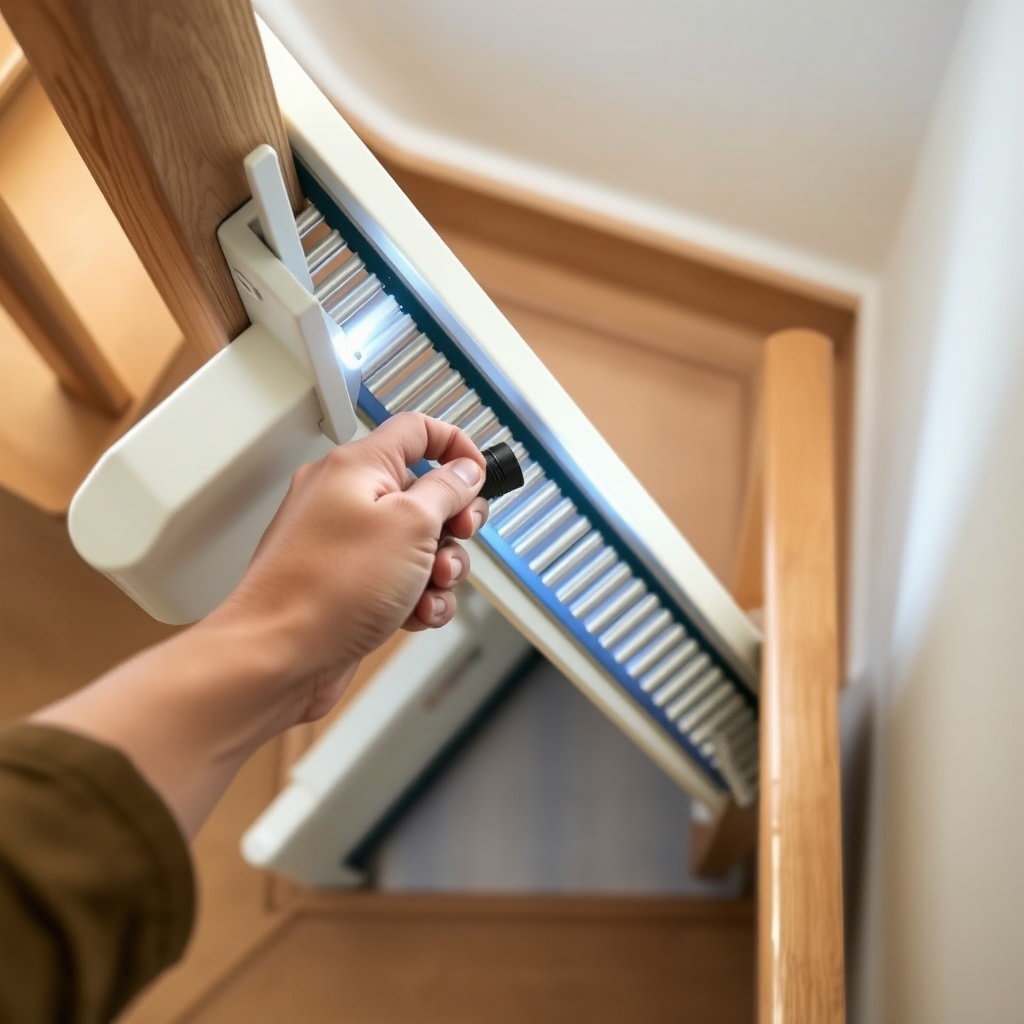
Visually inspect the rack (the toothed rail) for any visible damage, bent teeth, or foreign objects stuck in the teeth. A common point of trouble is at the rail joint where sections of track connect. Over time, temperature changes can cause the joint to shift slightly, creating a pinch point. Check that all rail joint bolts are tightened to the manufacturer’s specification (usually 8-12 Nm). Lubrication is also critical. Use only a dry PTFE spray lubricant on the rack—never oil, as it attracts dust. Apply it sparingly and wipe off excess. If the lift still stops silently, the issue may be with the motor’s thermal overload protector resetting; allow the motor to cool for 30 minutes before trying again.
Error Code Severity Reference Table
| Error Code Indicator | Severity Level | Likely Cause | Action Timeframe |
|---|---|---|---|
| 1 flash, 1 beep (repeating) | Usually Not Urgent | Seat not locked, obstruction sensor triggered | Check immediately, can wait for help if clear |
| 5 beeps (repeating cycle) | Needs Attention Soon | Battery or power supply issue | Try charging first; repair within 1 week |
| Speeding beeps, no travel | Needs Attention Soon | Rail obstruction or sensor mat fault | Inspect when safe; schedule service if persistent |
| Intermittent beep while charging | Usually Not Urgent | Equalization cycle or weak battery | Monitor for 4 hours; replace battery if needed |
| Silent stop mid-rail | Needs Attention Soon | Mechanical jam or track misalignment | Inspect immediately; may need professional service |
| Continuous beep, no movement | Urgent | Control board failure or motor failure | Stop use and call technician |
What Owners Say About Acorn 130 Error Codes
Long-term owners of the Acorn 130 report that the vast majority of errors are easily resolved with basic checks. “The first time I got the one-flash code, I panicked and called a technician—turned out the seat wasn’t clicked in all the way after my husband had gotten off. We haven’t made that mistake again,” says one owner from Ohio.
Another recurring theme among owners is the charging beep confusion. “For the first year, I thought the lift had a fault every time I heard that occasional beep while it was parked. A neighbor who used to work on lifts told me it was just the charger balancing the batteries. It’s been running fine for four years now,” reports a user in Florida.
Mechanical issues with the rack are less common but more disruptive. “We had a silent stop about once a month until I realized the rail joint had shifted slightly from the floor settling. I tightened the bolts myself after reading an installation guide, and it’s been perfect since. Link to the Acorn 130 Installation: Tips for a Smooth Setup article was very helpful.”
Frequently Asked Questions
1. How do I reset the Acorn 130 error code?
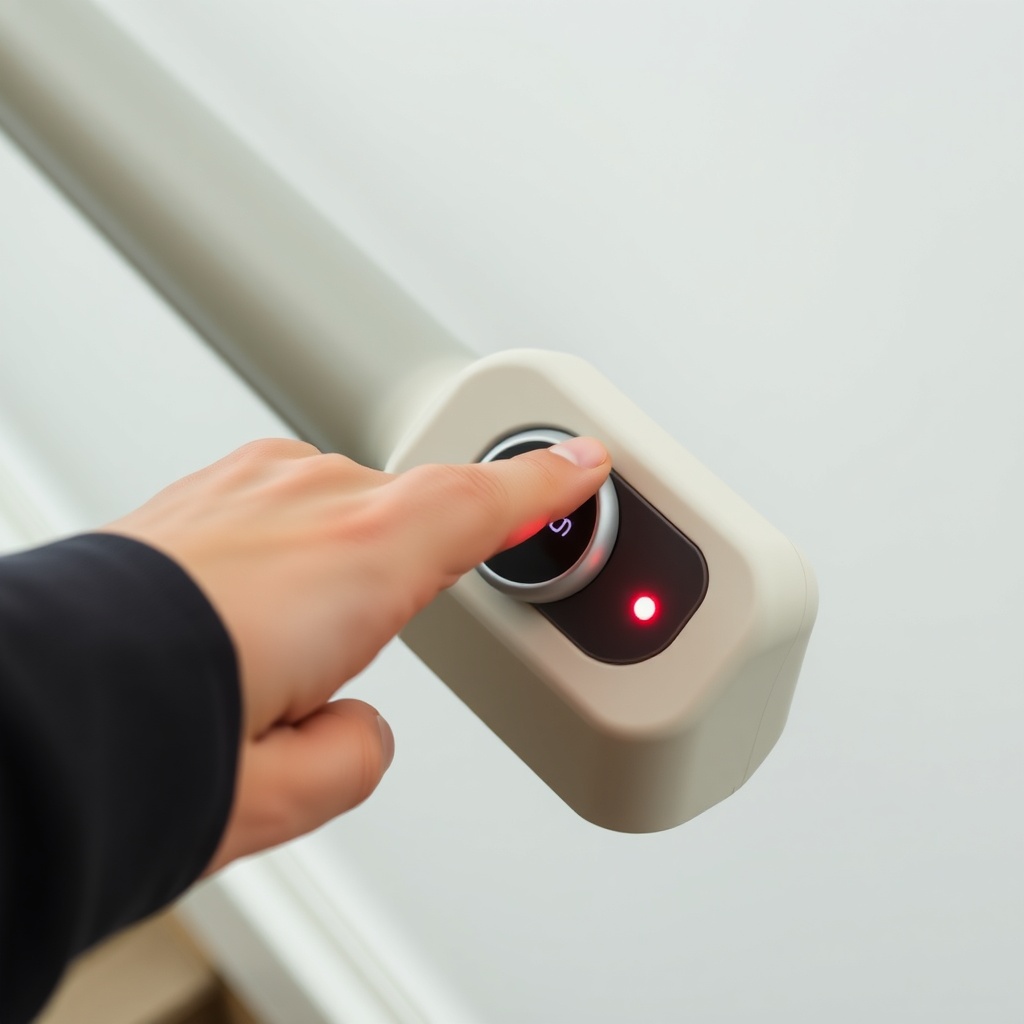
To reset most error codes, press and hold the “Call/Send” button on the seat arm for one full second. If the lift does not resume, park it on the charging rail, then press and hold both the “Call/Send” button and the “Up” button simultaneously for three seconds. This performs a soft reset of the control board. If the code returns immediately, you have a hardware issue.
2. Can I replace the Acorn 130 battery myself?
Yes, the battery pack on the Acorn 130 is designed for user replacement. You will need a Phillips-head screwdriver and a replacement battery pack (Part Number 130-BAT). First, ensure the lift is parked on the rail and the charging contacts are de-energized (unplug the rail if possible). Remove the two screws on the battery compartment cover located under the seat, disconnect the old battery connector, and reverse the process. Always recycle old batteries.
3. Why does my Acorn 130 beep after going up and down?
If the lift beeps once after completing a trip to the top or bottom, this is a normal “end-of-travel” indicator. If it beeps repeatedly after it stops, it is a seat lock error. Check the seat swivel lock mechanism. The seat must be fully rotated to the locked position for the system to shut down properly. Refer to the Acorn 130 Seat Design: Dimensions and Adjustability for lock mechanism details.
4. What does a rapid flashing light mean with no beep?
A rapid flashing red or orange light on the armrest control, without any audible beep, usually indicates a low battery condition while the lift is in motion. The system is alerting you that it may not have enough power to complete the next trip. Park the lift and allow it to charge for at least 12 hours. If the flashing persists, the battery may need replacement.
5. Can I clear an error code by disconnecting the battery?
Disconnecting the battery for 30 seconds can clear certain transient error codes, particularly those related to the control board’s memory. However, this is a last-resort measure. Doing so will also lose the lift’s “home” memory, and you may need to manually run it to the top and bottom charging stations to re-register them. Only do this if the soft reset described in question 1 fails.
6. How do I know if the error is in the safety sensors vs. the motor?
If the error code is a single flash/beep pattern and the lift can be manually pushed (in emergency release mode), it is a safety sensor issue. If the lift locks up and cannot move even in manual mode, the fault is likely in the motor or drive gear. You can test the motor by listening for a click from the relay when you press a direction button. If you hear nothing, the motor or control board may be faulty. For motor-related errors, consult our Acorn 130 Safety Features: Obstruction Sensors and Emergency Stop for sensor testing steps.